Shopify Email Marketing Audit Checklist
By AAKAR.studio Team • • Updated
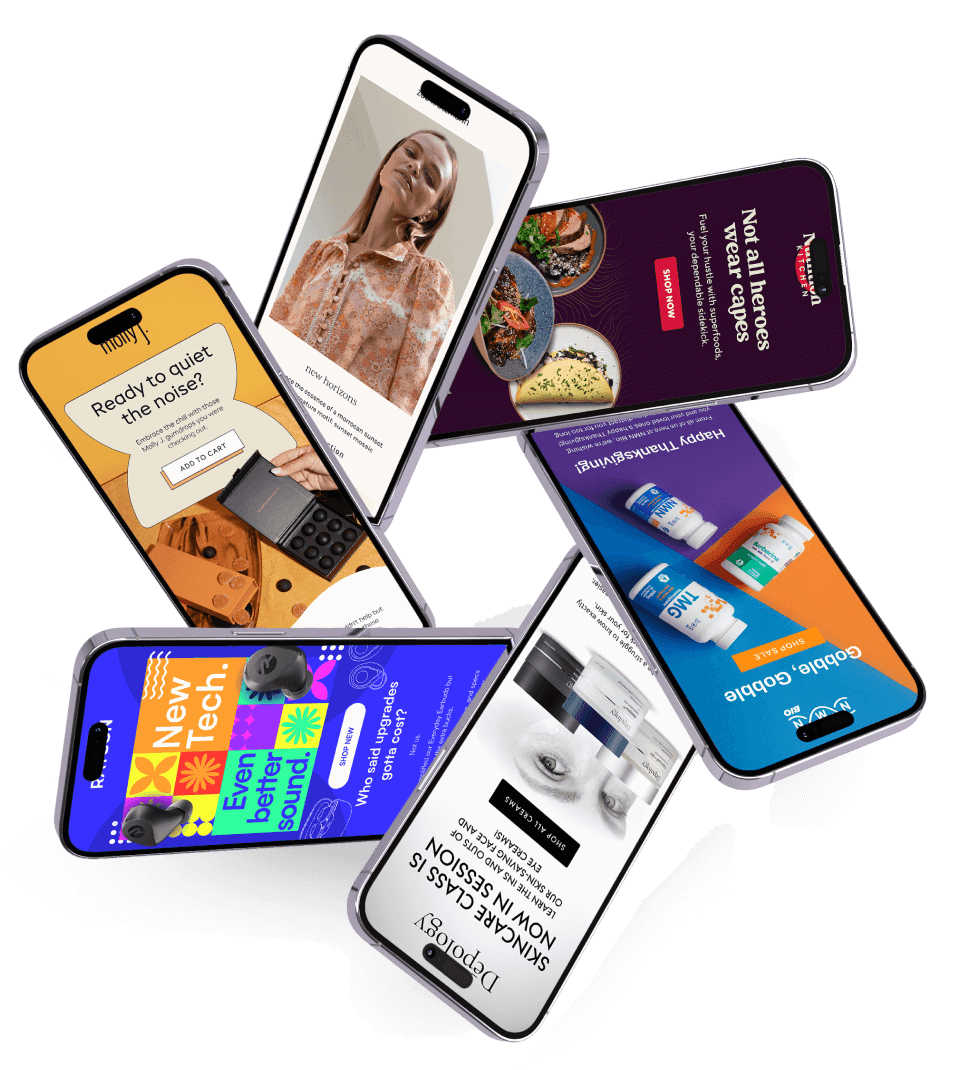
An email audit should end with a short list of decisions: what is working, what needs investigation and what should change first. Use this checklist to review a Shopify email program before rebuilding flows or increasing campaign volume. Record evidence for each finding so the next person can reproduce it. A completed checklist is a starting point for prioritization, not a certification or a prediction of revenue.
Open the printable audit checklist
1. Define the audit and record a baseline
Choose a comparison period that reflects your normal trading pattern. Note promotions, stockouts and product launches that could explain changes. Record the email platform, Shopify store, time zone, active flows and person responsible for approvals. Separate a measurement problem from a genuine change in customer behavior.
- Record delivered messages, clicks, orders, unsubscribes and revenue per recipient for the same period.
- Document the attribution window used by the email platform; do not treat attributed revenue as proof of incremental revenue.
- Assign an owner and an evidence location for each finding.
2. Confirm tracking and audience eligibility
Trace a test customer's journey rather than assuming that an installed integration is working. Check that product, cart, checkout and purchase activity arrive under the intended metrics. Review how the account identifies visitors: a product-page view does not mean every anonymous visitor can receive a browse reminder. Check the platform's current documentation and your own account settings.
- Use a test profile to confirm the events required by each live flow.
- Review subscription status and suppression handling before a profile receives marketing messages.
- Check sending-domain authentication and recent bounce and complaint trends.
- Confirm that imports, segments and integrations do not unexpectedly enroll old contacts into new journeys.
3. Test flows as a connected customer journey
Start with welcome, cart, checkout and post-purchase journeys that match the store's actual activity. Review entry rules, exclusions, delays and the content of each message. Coordinate Shopify notifications with Klaviyo so a customer does not receive duplicate recovery messages. Verify how a purchase or a move to the next stage changes eligibility.
- Test the welcome path for both a new prospect and an existing customer who subscribes.
- Confirm that cart reminders stop when a customer starts checkout or purchases.
- Confirm that checkout reminders stop after a purchase.
- Review browse reminders for overlap with cart and checkout flows.
- Separate immediate post-purchase help from later replenishment or win-back messaging.
4. Check creative, offers and the destination
Read the whole email on a phone, including its footer. Follow every important link through to the destination and compare the offer with the landing page. A template that looks polished can still send someone to a missing product, show the wrong discount or imply a deadline that does not exist.
- Test product, checkout, preference and unsubscribe links using the platform's preview or test tools.
- Check mobile text size, contrast, image alternatives and button usability.
- Confirm that discount conditions and any expiry language are accurate.
- Check fallback text when a name, product image or other personalization field is missing.
- Preview the message with images unavailable so its main purpose remains understandable.
5. Turn findings into a manageable action list
Group findings by customer impact and confidence. Prioritize a confirmed wrong recipient, broken purchase link or duplicate journey before a speculative subject-line experiment. Where the cause is uncertain, write a small test and define what observation would support or reject the explanation. Keep a record of the previous settings before making changes.
- For each issue, record the evidence, affected journey, owner, priority and next check.
- Separate a verified defect from a hypothesis or a creative preference.
- Review post-change performance over a comparable period and record other changes at the store.
Use the worksheet and choose your next step
Use the printable version during a review meeting, then discuss the highest-priority findings with whoever owns the account. For the implementation details behind the flow checks, read our Klaviyo guide. If you need help reviewing the account, describe your current setup when you request an audit.
Open the printable audit checklist
Read the five Klaviyo flows guide
Explore Shopify email marketing services